-1.png?w=520&h=124)
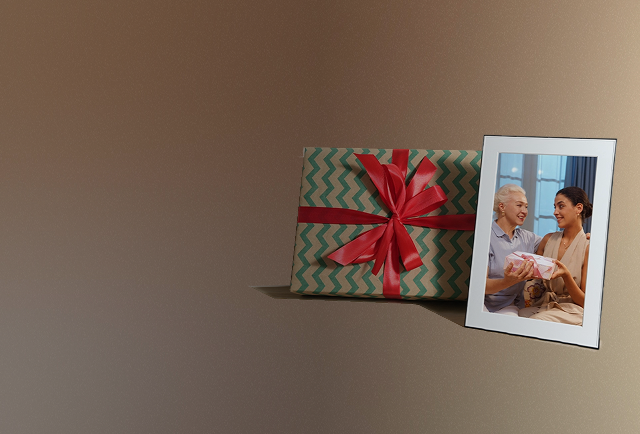
Giving a Homture digital photo frame as a gift is more than handing over a box — you can personalize the entire experience before the recipient even opens it. The Homture app walks you through a dedicated gift setup path so the frame arrives already filled with your love.
In This Guide
Start: "Who Is This For?"
When you first open the Homture app to set up a new frame, it asks a simple question: "Who is this for?"
- It's for me — standard setup for your own frame
- Someone else — launches the gift setup flow
Tap Someone else to begin. The app will then ask you to enter the recipient's name. This name is used to personalize the gift experience throughout the setup.
Method A: Scan the Gift QR Code
This method is the quickest option if you have the physical box in hand.
- On the back of the Homture frame box, there is a sticker covering the Gift QR Code. Peel the sticker to reveal it.
- In the app, choose Scan Gift QR Code.
- Point your phone camera at the QR code on the box.
- The app instantly links your account to that specific frame.
After scanning, you'll move on to personalizing the gift with a photo, video, and message.
Method B: Create a Gift Activation Code
This method is ideal when you've ordered the frame online and it hasn't arrived yet — or when you want to set everything up remotely before shipping it.
- In the app, choose Create Gift Activation Code.
- The app generates a unique code tied to your gift setup.
- Share the code with the recipient (or keep it to give them later).
- When the recipient powers on the frame and connects to WiFi, they enter the code to unlock the personalized surprise.
Add a Personal Photo and Message
This is the heart of the gift experience. After choosing your pairing method, the app prompts you to add your personal message.
- Upload a photo or video from your phone
- Write a personal message — for example: "Happy birthday Mikey! We all love you!"
This content will be displayed on the frame the moment the recipient activates it — creating a memorable unboxing moment they'll never forget.
Share the Invite Link
Once your gift is configured, the app confirms: "Your gift is ready."
You can then share an invite link with the recipient so they can join the frame and start receiving photos from you and other family members after activation.
Tips for a Perfect Gift Setup
- Set up early — you can complete the gift setup days or weeks before the frame arrives
- Choose a meaningful photo — a group photo, a cherished memory, or a recent family moment works best
- Keep the message personal — a short, heartfelt note means more than a long one
- Use Method B if shipping directly — if the frame ships straight to the recipient, create a Gift Activation Code so you don't need the physical box