
Why Auto-Rotate Matters
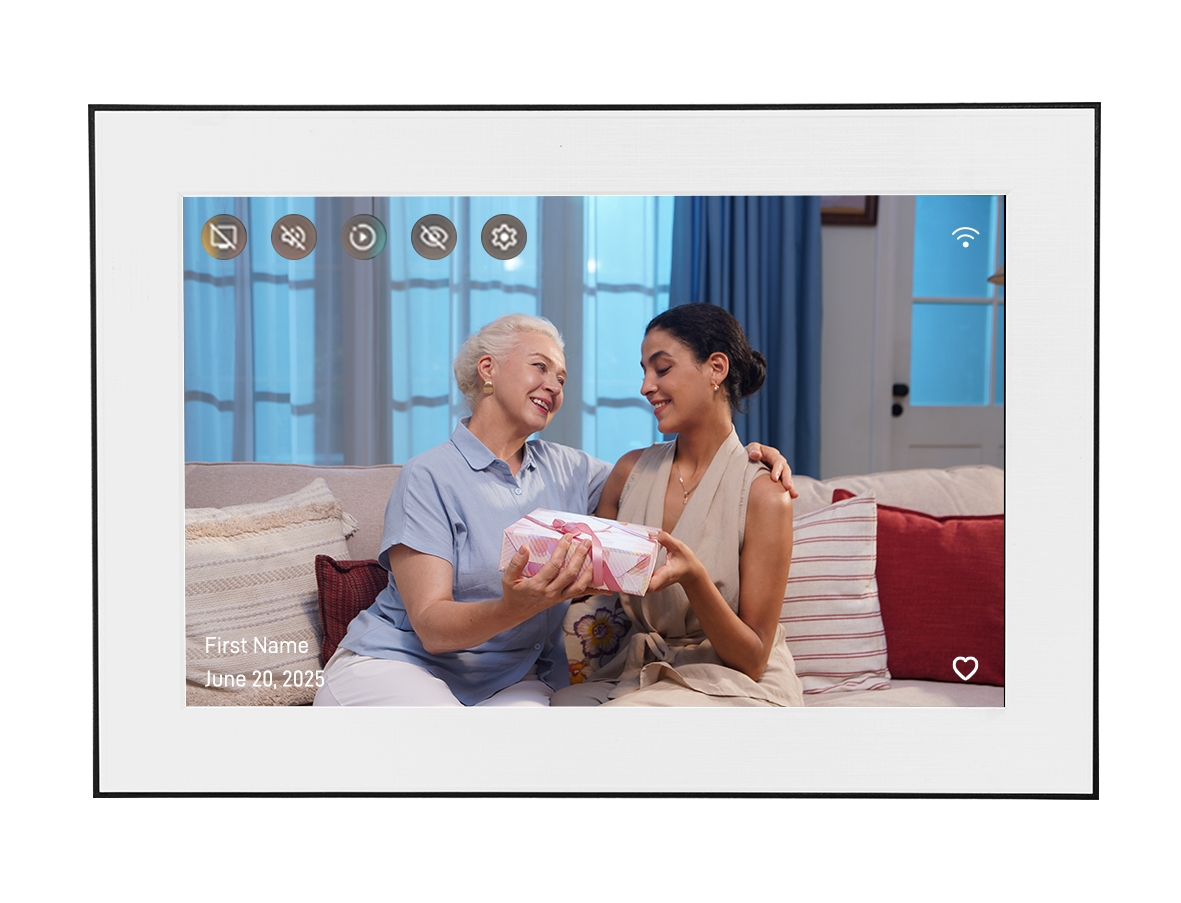
Digital photo frames can be placed horizontally (landscape) or vertically (portrait), and most modern frames can display in either orientation. Auto-rotate means the frame detects or responds to its physical orientation and adjusts the display accordingly — so photos always appear right-side up, whether the frame is on a shelf, a desk, or hanging on a wall.
Without auto-rotate, a frame placed in portrait mode might still display photos horizontally, requiring you to manually change settings. With auto-rotate, the frame handles this automatically.
Sensor-Based Auto-Rotate
Sensor-based auto-rotate uses an accelerometer or gyroscope — the same kind of sensor found in smartphones — to detect which way the frame is physically oriented. When you rotate the frame from landscape to portrait, the sensor detects the change and the display rotates to match.
Advantages
- Truly automatic: No settings to change. Rotate the frame and the display adjusts instantly.
- Reliable: The sensor reads the physical orientation accurately regardless of how the frame is placed.
- Flexible placement: You can freely switch between landscape and portrait without touching any settings.
Limitations
- Adds cost: Sensor hardware increases the frame's cost slightly.
- May have a delay: Some frames have a brief delay before rotating after repositioning.
Manual Rotation
Manual rotation means you set the display orientation through the frame's settings menu or app. There's no sensor — you tell the frame which way it's oriented, and it stays in that mode until you change it.
Advantages
- Lower cost: No sensor hardware needed.
- Predictable: The display doesn't unexpectedly rotate if you adjust the frame slightly.
Limitations
- Requires setup: If you rotate the frame, you need to go into settings to change the display orientation.
- Inconvenient for frequent changes: Not suitable if you plan to switch orientations regularly.
Sensor vs Manual: Key Differences
- Automation: Sensor detects orientation automatically; manual requires user action.
- Flexibility: Sensor handles orientation changes instantly; manual requires settings adjustment.
- Cost: Sensor adds a small hardware cost; manual is cheaper.
- Reliability: Both are reliable once set up; sensor is more convenient for changing placements.
How Photo Orientation Affects Display
Auto-rotate addresses how the frame is oriented — but there's a related question: how the frame handles photos with different aspect ratios.
- Landscape photos (horizontal): Display well on a landscape-oriented frame. On a portrait frame, they'll have black bars on top and bottom or be cropped.
- Portrait photos (vertical): Display well on a portrait-oriented frame. On a landscape frame, they'll have black bars on the sides or be cropped.
A good frame handles mixed-orientation photo libraries gracefully — filling the screen where it can, using tasteful framing where it can't, rather than stretching photos to fill the screen (which distorts them).
Homture's Auto-Rotate
The Homture digital photo frame includes an orientation sensor for automatic rotation detection. You can place it in landscape or portrait mode, and the display adjusts automatically without needing to change any settings. This makes it convenient to experiment with placement or adjust the frame without worrying about display orientation.
The 10.1" IPS screen works well in both orientations, and the frame handles mixed-orientation photo libraries without distorting images.
What to Choose
For most permanent placements, manual rotation is adequate — you set it once and forget it. But sensor-based auto-rotate offers meaningfully more convenience if you:
- Haven't decided on landscape vs portrait yet.
- Plan to move the frame between locations.
- Want the flexibility to change orientation without touching settings.
Given that sensor-based auto-rotate adds only a small cost increment and genuinely removes friction, it's a worthwhile feature in any frame you're considering for long-term use.