
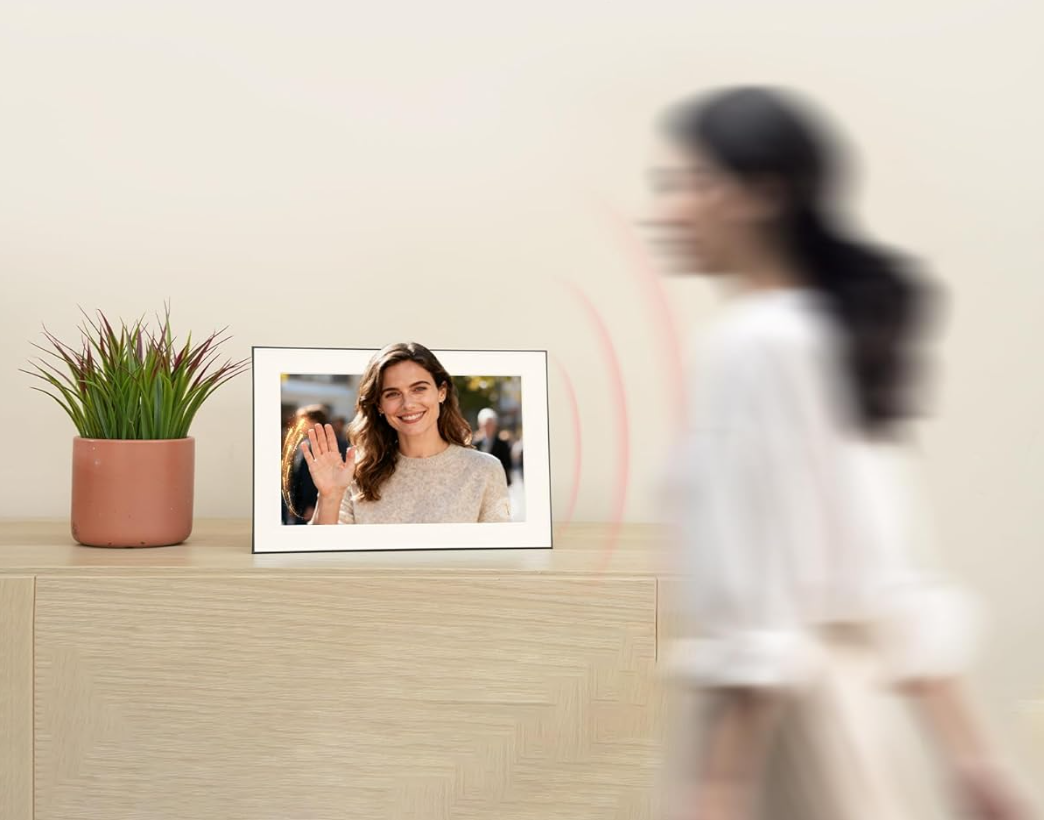
What Makes a Photo Frame "Cloud-Connected"?
A cloud-connected photo frame connects to the internet via WiFi and allows photos to be uploaded, managed, and sent remotely—without physical access to the frame. This capability transforms a digital photo frame from a local display into a living connection between family members, regardless of geographic distance.
The core use case: a grandparent has the frame in their living room. Adult children and grandchildren with the app can send new photos from their phones at any time. The grandparent sees updated family moments without needing to manage any technology themselves.
Core Cloud Features to Compare
- Remote photo upload via smartphone app
- Multi-user contributor support
- Real-time or near-real-time updates to the frame
- Cloud storage for the photo library
- Interactive features (likes, comments, activity feed)
Homture's Cloud and Sharing Features
Homture is built around a WiFi-first, cloud-connected experience. Both 2.4GHz and 5GHz bands are supported, providing flexibility across different home network configurations.
Remote Photo Sharing
Family members install the Homture companion app on their iOS or Android devices and can send photos directly to the frame from anywhere with internet access. There's no limit on the number of contributors who can be invited to share photos.
Activity Feed with Social Features
One of Homture's distinctive cloud features is its activity feed, which functions somewhat like a family social feed:
- Likes: Family members can react to photos currently displayed on the frame
- Comments: Short comments or captions can be added to photos
- Activity notifications: The frame owner can see who sent photos and when
This creates a sense of connection that goes beyond passive photo display—it's a two-way communication channel that keeps distributed families engaged.
Multi-User Sharing
Multiple family members can be granted access to send photos. There's no technical limit on the number of contributors, making it practical for extended families where multiple households contribute photos.
WiFi Dual-Band Support
Homture supports both 2.4GHz and 5GHz WiFi networks. The 2.4GHz band offers better range and wall penetration, while 5GHz provides faster speeds for quicker photo updates. Dual-band support ensures compatibility with most modern home routers.
Competitor Overview
Cloud connectivity is now standard among major digital photo frame brands. Here's how key competitors compare:
Nixplay
Nixplay has strong cloud infrastructure with a web portal and mobile app. Photos can be organized into playlists and scheduled for display. Multiple contributors can share photos. Nixplay offers cloud storage, though unlimited storage typically requires a paid subscription on higher-tier plans.
Skylight
Skylight is designed for maximum simplicity—photos can be sent via email or the app. This makes it particularly accessible for non-technical contributors (like elderly relatives sending photos). The setup is straightforward and the user interface is deliberately minimal.
Aura
Aura focuses heavily on photo quality and offers a curated sharing experience. Multiple contributors can add photos via the app. Aura offers unlimited cloud storage. The platform has social features including the ability for frame viewers to "love" photos using the mobile app.
Pix-Star
Pix-Star supports email-based photo sending in addition to app uploads, which increases accessibility for users less comfortable with apps. It also supports RSS feeds and social media imports in some configurations.
Key Considerations for Remote Sharing
Ease of Use for All Ages
The most important factor for remote sharing is whether contributors who are less tech-savvy can easily send photos. Evaluate the app's interface, whether email-based sending is available, and what the minimum technical requirement is for contributors.
Real-Time vs. Batched Updates
Some frames update nearly immediately when new photos are sent; others batch updates on a schedule. For families who want grandparents to see baby photos on the day they're taken, real-time or near-real-time updates are important.
Storage and Photo Library Management
Consider how photos are stored and managed over time:
- Is storage unlimited or capped?
- Can older photos be archived or removed?
- Who controls the photo library—the frame owner or contributors?
Privacy and Content Control
When multiple people can send photos to a frame, the owner may want moderation tools to approve photos before they appear on screen. Check whether the frame offers this option.
Who Benefits Most
Geographically Distributed Families
Families spread across multiple cities or countries benefit enormously from cloud-connected frames. A single frame in a grandparent's home can receive photos from children and grandchildren living anywhere in the world.
Parents of Young Children
Parents who want grandparents to see baby photos and childhood milestones as they happen—rather than waiting for visits or curated albums—find cloud frames invaluable.
Gift Givers
A cloud-connected frame is one of the most thoughtful gifts for parents or grandparents who are less tech-savvy. Contributors set up the sharing from their side; the recipient simply enjoys the automatically updating display.
Long-Distance Relationships
Partners or close friends in different cities can use a cloud frame as a persistent visual connection—a shared display that shows the other person's daily life without requiring active communication.
Conclusion
Cloud connectivity is now a baseline expectation for digital photo frames. The differentiators are in the details: ease of contributor setup, activity feed features, storage policies, and real-time update speed.
Homture's cloud implementation stands out for its activity feed with likes and comments, dual-band WiFi support, and no subscription requirement for cloud features. Skylight and Nixplay are strong alternatives with well-established cloud platforms and different strengths in simplicity versus feature depth.
The best choice depends on your family's specific needs—primarily the technical comfort level of both contributors and the frame recipient, and whether social interaction features are important to you.