
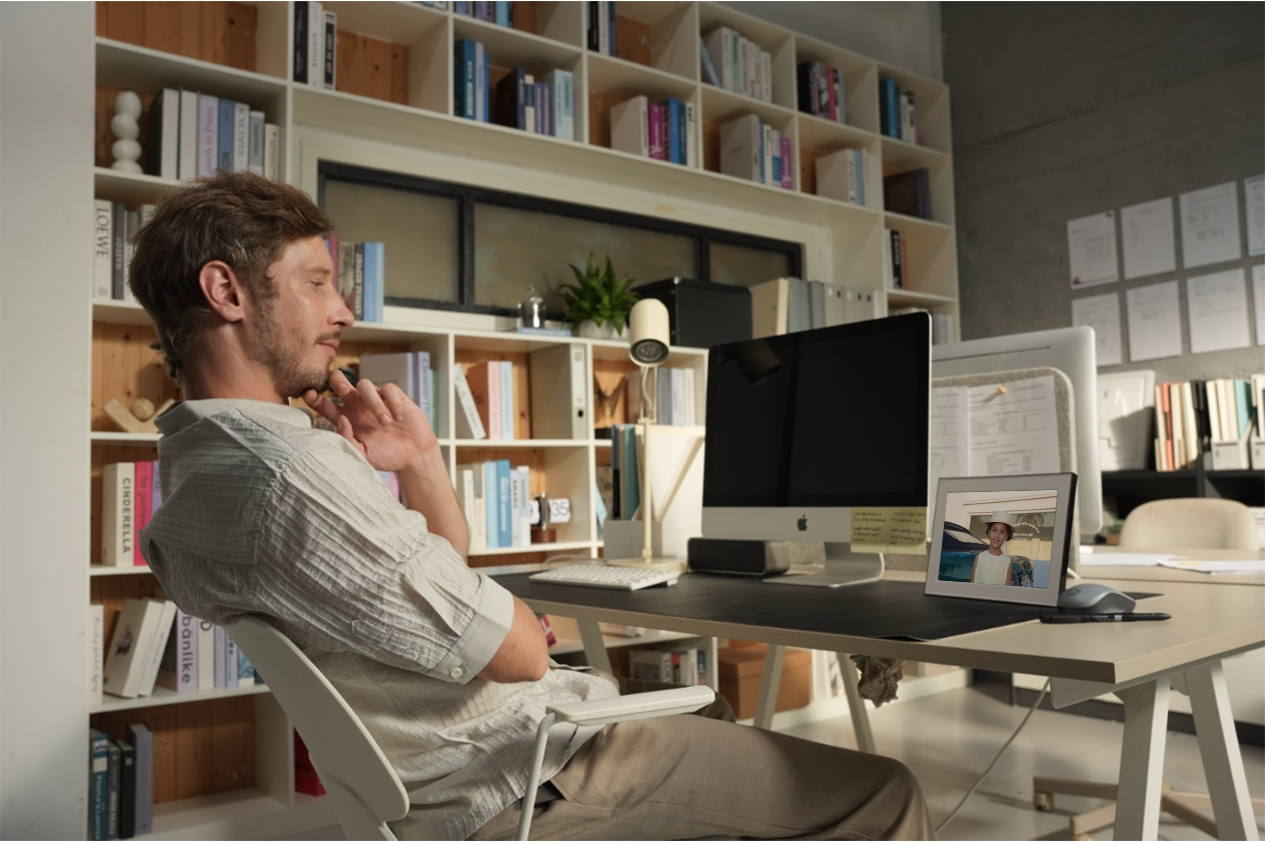
It's a fair question. You're thinking about keeping a digital photo frame running all day in your living room, and you want to know: is this going to show up on my electricity bill?
The short answer: barely. A typical digital photo frame uses about as much electricity as a single LED light bulb. But let's look at the actual numbers so you know exactly what to expect.
What's in This Article
The Quick Answer
Most digital photo frames in the 7–10 inch range consume between 5 and 12 watts when the screen is on and displaying photos. When in standby or sleep mode, that drops to under 1 watt.
To put that in perspective, a standard LED light bulb uses about 8–10 watts. So running your digital photo frame all day is roughly the same as leaving one light bulb on.
Real Power Consumption Numbers
Power consumption varies by screen size, resolution, brightness, and whether the frame has WiFi. Here's what you can expect across different frame sizes:
| Frame Size | Typical Wattage (Active) | Standby Wattage |
|---|---|---|
| 7 inch | 3–6W | < 0.5W |
| 8 inch | 4–8W | < 0.5W |
| 10.1 inch (Homture AI Frame) | 8–12W | < 1W |
| 13 inch | 10–15W | < 1W |
| 15 inch | 12–20W | < 1W |
The Homture AI Photo Frame, with its 10.1-inch 1080p display, typically draws around 8–12 watts during active use. That's in the same ballpark as most mid-size frames — the higher resolution doesn't significantly increase power draw compared to lower-res alternatives.
What Does It Cost Per Year?
Let's do the math for a few usage scenarios. We'll use the U.S. national average electricity rate of approximately $0.16 per kWh (as of 2026).
Scenario 1: Always on, 24/7
87.6 kWh × $0.16 = $14.02 per year
Scenario 2: On 12 hours per day (using a schedule)
43.8 kWh × $0.16 = $7.01 per year
Scenario 3: With proximity sensor (estimated 6 hours active per day)
Sleep: 0.5W × 18 hours × 365 days = 3,285 Wh = 3.3 kWh
Total: 25.2 kWh × $0.16 = $4.03 per year
Even in the worst case — running 24/7 at full brightness — a digital photo frame costs about $14 per year in electricity. That's roughly $1.17 per month, or about 4 cents per day.
With a proximity sensor (like the Homture AI Frame has), that drops to around $4 per year — about a penny a day.
Compared to Other Household Devices
Here's how a digital photo frame stacks up against other things you probably leave running in your home:
| Device | Typical Wattage | Est. Annual Cost (if always on) |
|---|---|---|
| Phone charger (while charging) | 5W | $7 |
| LED light bulb | 8–10W | $11–14 |
| Digital photo frame (10 inch) | 8–12W | $11–17 |
| WiFi router | 10–20W | $14–28 |
| Smart speaker (Echo, HomePod) | 2–6W (idle) / 10–30W (playing) | $10–20 |
| Cable TV box (standby) | 15–30W | $21–42 |
| Desktop computer (idle) | 60–100W | $84–140 |
| 50-inch TV | 70–120W | $98–168 |
| Refrigerator | 100–200W (cycling) | $100–200 |
As you can see, a digital photo frame uses less power than your WiFi router — a device you never even think about turning off. It's one of the lowest-energy devices in your home.
What Affects Power Consumption
Not all digital frames are equal when it comes to energy use. Here are the main factors:
Screen size
Bigger screens use more power. A 15-inch frame draws roughly twice as much as a 7-inch frame. The 10.1-inch sweet spot (like the Homture AI Frame) offers a large, clear display without excessive power draw.
Screen brightness
The backlight is the biggest power consumer. Higher brightness = more watts. Most frames let you adjust brightness manually or automatically based on room lighting. Reducing brightness from 100% to 60% can cut power use by 20–30%.
WiFi activity
WiFi uses a small amount of extra power (1–2W) when actively receiving photos. Since photo transfers happen in short bursts, this adds negligible cost — fractions of a cent per day.
Video vs photo playback
Playing video clips (including AI Magic videos) uses slightly more power than displaying static photos because the processor works harder. The difference is minor — roughly 1–2W more during video playback.
Sleep mode and sensors
Frames with automatic sleep modes or proximity sensors use dramatically less power because the screen is off when no one is around. This is the single biggest factor in real-world energy use.
How to Reduce Power Usage Even Further
If you want to minimize your digital photo frame's energy footprint, here are practical tips:
1. Use the proximity sensor
If your frame has one (the Homture AI Frame does), make sure it's enabled. The frame will only turn on when someone is within 5–6 feet and automatically sleep when the room is empty. This alone can cut energy use by 50–75%.
2. Set a display schedule
Most frames let you set active hours — for example, 7 AM to 10 PM. Outside those hours, the frame goes to sleep automatically. No reason to display photos at 3 AM when everyone is asleep.
3. Lower the brightness
Unless the frame is in a very bright room, you probably don't need 100% brightness. Try 50–70% — photos still look great, and you save power.
4. Use auto-brightness
Some frames have ambient light sensors that adjust brightness based on room lighting. The screen gets brighter during the day and dimmer at night. This saves energy and is easier on the eyes in a dark room.
5. Don't leave it on when traveling
If you're going away for a week, unplug the frame or set it to standby. Even in sleep mode it draws a tiny amount. Unplugging eliminates that completely.
The Proximity Sensor Advantage
This is worth emphasizing because it's the single biggest factor in real-world power consumption — and it's a feature many buyers overlook.
A digital frame without a proximity sensor has two modes:
- Always on — displaying photos even when no one is in the room
- Manually off — you have to remember to press a button or use a remote
Neither is ideal. The first wastes energy. The second is annoying and means you miss photos when you walk in unexpectedly.
The Homture AI Photo Frame solves this with a built-in proximity sensor that detects presence within 5–6 feet:
- You walk into the room → the frame wakes up and plays your photos
- You leave the room → the frame goes to sleep after a short delay
- No buttons, no remotes, no schedules to set
The result:
| Mode | Daily Active Hours | Est. Annual Cost |
|---|---|---|
| Always on (no sensor) | 24 hours | ~$14 |
| Scheduled (12 hours) | 12 hours | ~$7 |
| Proximity sensor (Homture) | ~6 hours (varies) | ~$4 |
The proximity sensor doesn't just save energy — it also makes the experience better. Photos feel more intentional when the frame responds to your presence rather than playing to an empty room.
Is it worth worrying about?
Honestly, no. Even without any energy-saving features, a digital photo frame costs about $1 per month in electricity — less than a single cup of coffee. With proximity sensing, it's closer to 33 cents per month. The energy cost is essentially a non-issue. But if you're environmentally conscious and want to minimize waste, the proximity sensor is a genuinely useful feature that aligns your energy use with your actual presence.
Frequently Asked Questions
Can I leave a digital photo frame on 24/7?
Yes, absolutely. Digital photo frames are designed for continuous use. The LED backlights have a lifespan of 30,000–50,000 hours, which means even running 24/7, the screen would last over 3 years of continuous use. With a proximity sensor or schedule, the backlight lasts much longer.
Does WiFi increase power consumption significantly?
No. WiFi adds about 1–2 watts to the total draw. Since photo transfers happen in short bursts (a few seconds per photo), the WiFi module is idle most of the time. The annual cost difference is less than $3.
Is a digital photo frame a fire hazard?
No. Digital photo frames draw very low power (similar to a phone charger) and generate minimal heat. As long as you use the included power adapter and don't cover the ventilation areas, there's no fire risk. They are designed to run continuously.
Does playing AI Magic videos use more power?
Slightly. Video playback requires more processing than displaying a static image, which adds roughly 1–2 watts. Since AI Magic videos are short clips (a few seconds each), the overall impact on your electricity bill is negligible.
Should I unplug it at night?
You can, but you don't need to. If you set a display schedule or use the proximity sensor, the frame draws less than 1 watt in sleep mode — about the same as a phone charger plugged in with no phone attached. Over a full year, that sleep-mode draw costs roughly $1.
How does screen size affect the electricity cost?
Roughly proportional. A 15-inch frame uses about 50–70% more power than a 10-inch frame. But even the largest consumer frames (20W) only cost about $28 per year if run 24/7 — still very modest by household standards.