
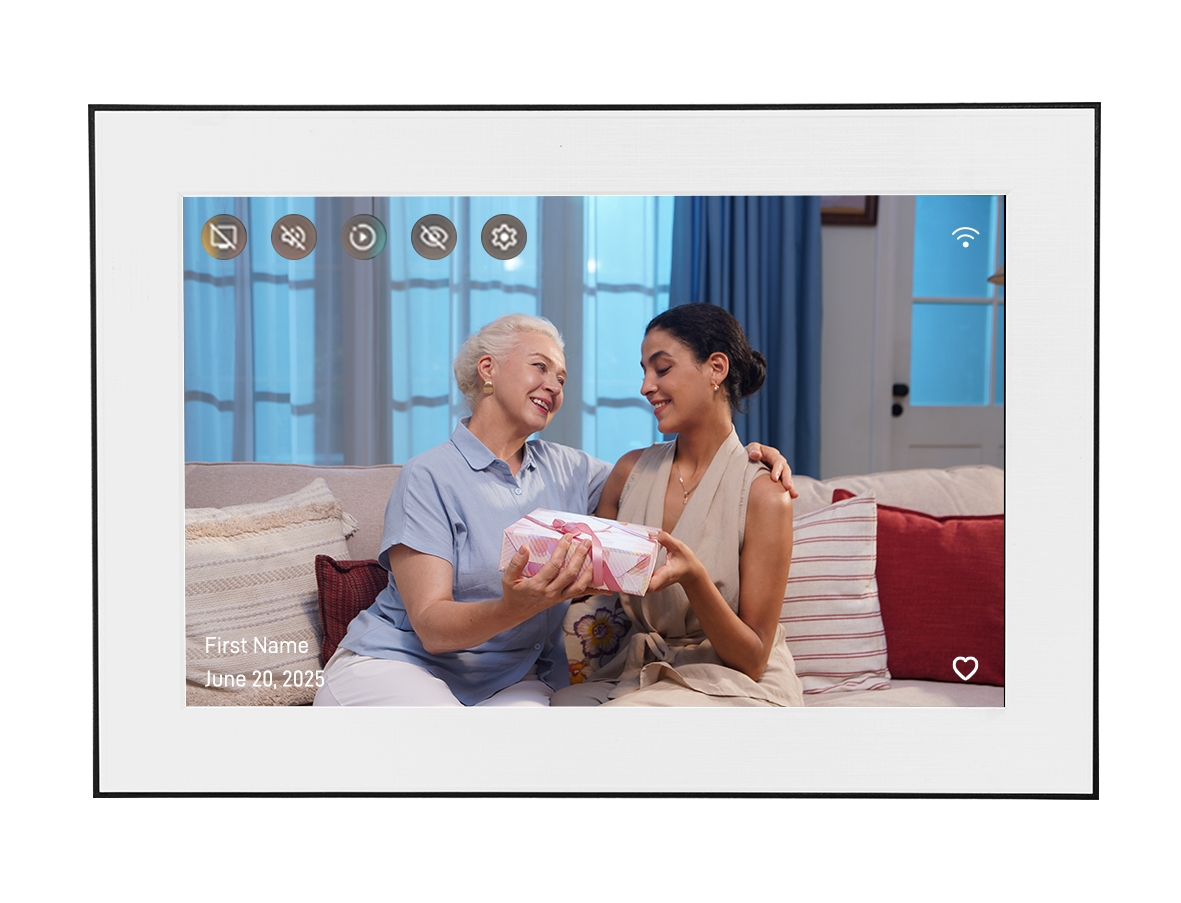
Types of Storage in Digital Photo Frames
Digital photo frames store photos in two ways: local storage (built into the device) and cloud storage (on remote servers accessed via WiFi). Understanding both helps you evaluate whether a frame's storage will meet your long-term needs.
Local Storage
Local storage is the internal memory built into the frame. Photos stored locally display even without an internet connection. Typical local storage ranges from 4GB to 32GB, which holds thousands of photos. However, local storage is fixed—you can't expand it without replacing the device.
Cloud Storage
Cloud storage allows photos to be stored on remote servers and streamed to the frame over WiFi. This enables larger libraries than local storage alone could support. Cloud storage policies vary widely: some brands offer unlimited cloud storage, others cap it at a fixed amount, and some require subscriptions for additional space.
Unlimited vs Limited: What It Means in Practice
Limited Storage Scenarios
When a frame has limited cloud storage, you'll eventually need to manage your photo library—deleting older photos to make room for new ones, or paying for a storage upgrade. For casual users who upload a few dozen photos and rarely change them, limited storage may never be a problem. For active families uploading photos regularly, limits can become frustrating within months.
Unlimited Storage Scenarios
Unlimited cloud storage removes the management burden. You can upload freely without worrying about hitting a cap. This is particularly valuable for families with multiple contributors, each adding photos regularly, or for users who want to maintain a comprehensive archive of family memories on the frame.
Brand Storage Comparison
Aura
Aura offers unlimited cloud storage as a standard feature with no subscription required for storage. This is one of Aura's strongest selling points for users with large photo libraries.
Nixplay
Nixplay provides cloud storage with its frames. The free tier includes a limited amount of storage; additional storage is available through paid subscription plans. The specific limits vary by plan and may change over time—check current pricing directly with Nixplay.
Skylight
Skylight's storage model is tied to its subscription structure. The base experience includes storage for a reasonable number of photos, with expanded storage available through Skylight Plus subscription.
Pix-Star
Pix-Star includes local storage on the device and offers cloud storage. The frame can also display photos from USB drives and SD cards, providing additional flexibility for users with large local photo collections.
Homture's Storage Approach
Homture provides cloud storage for photos uploaded through its companion app. The frame also includes local storage for caching and offline display. Homture does not require a subscription for its core features, including photo storage and sharing.
Practical Capacity
For most families, the combination of cloud storage and local caching provides ample capacity for ongoing photo sharing. The 10.1-inch 1080P display renders photos at full quality regardless of whether they're served from local cache or cloud.
What Actually Matters for Most Users
How Many Photos Will You Upload?
A typical smartphone photo is 3–8MB. A 10GB storage limit holds roughly 1,250–3,300 photos. If you're uploading a curated selection of family favorites, this is likely sufficient. If you're uploading everything from multiple contributors continuously, you'll hit limits faster.
How Long Will You Keep the Frame?
Storage limits matter more over time. A frame you plan to use for 5+ years will accumulate far more photos than one used for a year. Consider the long-term storage trajectory when evaluating plans.
Will Multiple People Contribute?
Multi-contributor setups generate photos faster. If five family members each upload 10 photos per month, that's 600 photos per year—roughly 2–5GB annually. Storage limits become relevant within 2–5 years for active multi-contributor setups.
What Happens When You Hit the Limit?
Understand the consequences before purchasing: Does the frame stop accepting new photos? Does it automatically delete the oldest photos? Do you get a warning? The behavior at the storage limit is as important as the limit itself.
Conclusion
Storage is an important but often over-emphasized spec in digital photo frame comparisons. For casual users, most frames provide adequate storage. For active families with multiple contributors uploading regularly over many years, unlimited storage (like Aura offers) or a generous paid storage tier becomes more relevant.
Homture's no-subscription model means you're not paying ongoing fees for core functionality. For users who want to avoid subscription costs entirely while maintaining a reasonable photo library, this is a meaningful advantage.
Evaluate storage in the context of your actual usage patterns—how many photos you'll upload, how many contributors you'll have, and how long you plan to use the frame—rather than treating "unlimited" as automatically superior to a generous fixed limit.